
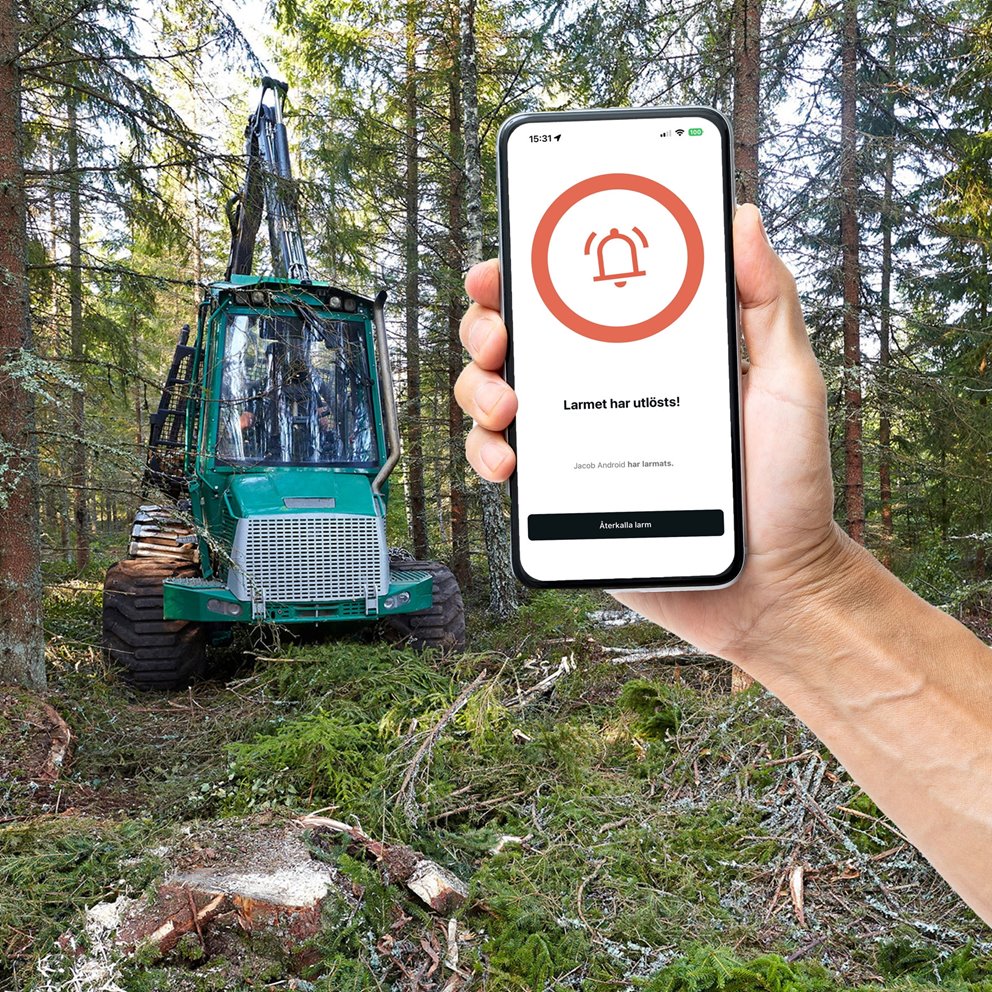
How to act when an alarm is raised
- Try to Make Contact
- Call the lone worker immediately.
- If there is no answer: call a couple more times within a few minutes to rule out technical issues.
- Purpose: Quickly determine whether it is a false alarm or if the person is in danger.
- Assess the Situation
- Check the GPS location in the app.
- Consider:
- Are you close to the location yourself?
- Are there colleagues/other people in the area who can reach the site faster?
- Remember your own safety!
- If You Suspect an Accident or Cannot Make Contact – Call 112
- Inform them:
- That you are the emergency contact for a lone worker.
- The last known GPS location – use the speaker so you can see the app while giving the coordinates.
- What work the person was doing (e.g., chainsaw, machinery, chemicals, etc.).
- Whether you or others are on the way to the site.
- Any information you have about the lone worker, such as allergies, medical conditions, etc.
- Inform them:
- If You or Others Are on the Way to the Location
- Prioritise your own safety.
- Alert 112 if you receive new information.
- Do not enter dangerous environments (e.g., storm-damaged forest, operating machinery, busy road) until emergency services are on site.
- Documentation and Feedback
- When the situation is resolved, follow the company’s internal procedures.
If GPS position is missing or not updated
Examples:
- If the GPS position is not visible or is outdated: try to call again and contact the person through alternative channels if available (radio, Teams, SMS).
- Go straight to calling 112 if you still cannot make contact.
If GPS is missing:
- Tell 112 that you are the emergency contact and that GPS is missing.
- Describe the last known work area, road, or department.
- Describe the task and the risks involved.
- Inform them if you/others are on the way and how long it will take.